User-created content can enrich a household or build, but it also adds another changing layer to an Early Access game. A safe workflow separates the original save, known-good content and each new test.
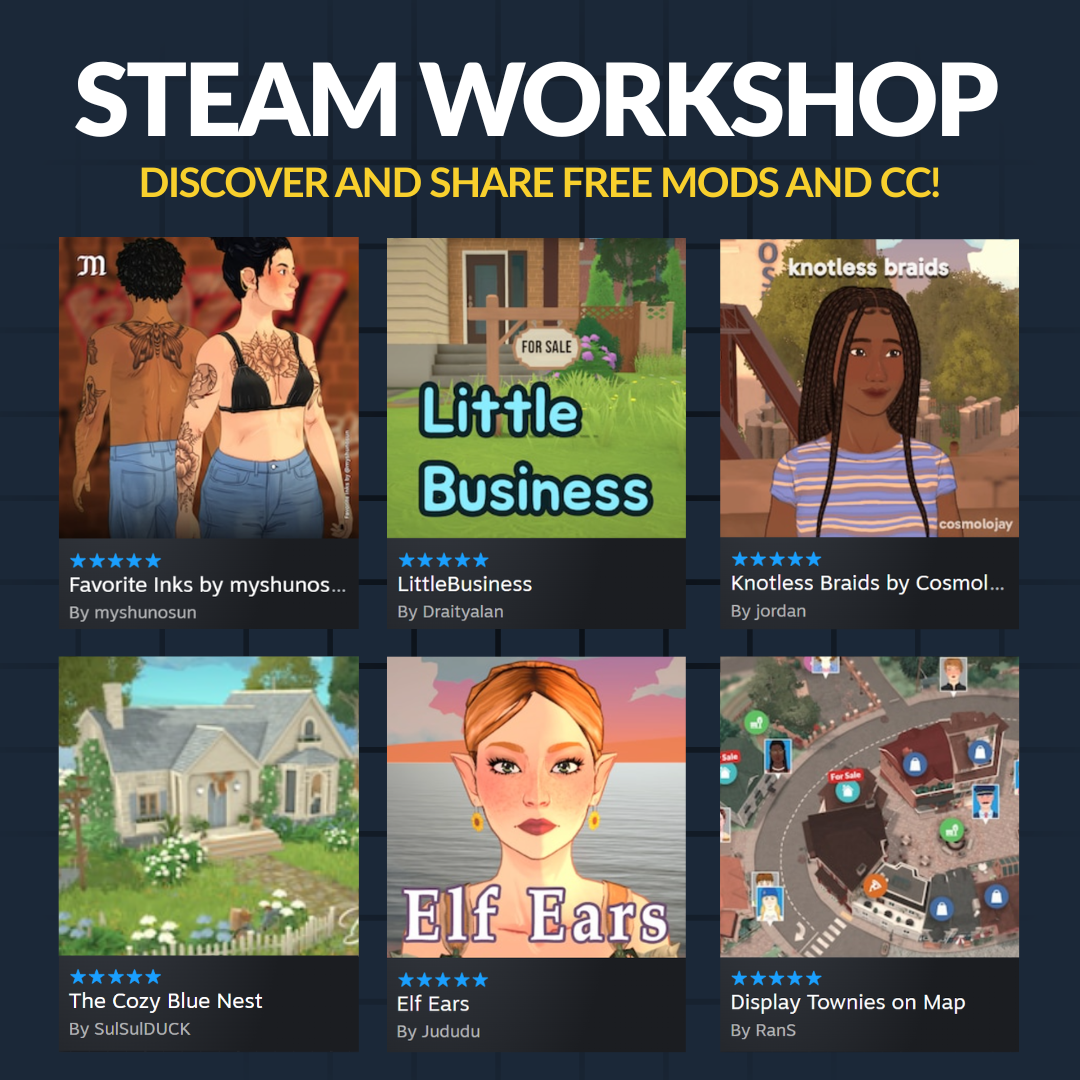
The official Steam Workshop is the supported discovery route linked by Paralives. This site does not direct players to unknown mirrors or claim that an external executable is required.
Back up before subscribing
Duplicate the save from the Load Game menu and save important households and lots to the in-game library. Confirm the backup can be recognized before adding a large collection. Steam Cloud is synchronization, not a substitute for an intentional rollback point.
Read scope, version and dependencies
Check what an item changes, when it was updated and whether the creator lists dependencies or known conflicts. Treat comments as reports to investigate, not official confirmation. Avoid any installation step that requests unrelated credentials or untrusted software.
See this system in the current game
These official images are paired with the feature they demonstrate. Historical captures are explicitly labeled and are not used to claim an unchanged 2026 interface.
Test from a clean baseline
When a problem appears, disable all mods with the current Mods menu, restart and reproduce the same action in an unmodified state. If the base game works, enable a small group, restart and repeat until the responsible item or interaction is isolated.
After a game patch, wait for compatibility
External additions may not work immediately after an update. Keep them disabled until their creators confirm compatibility, especially when the symptom involves saves, missing menus or invisible content. Never overwrite the only working save while testing a suspect item.
- Official Paralives FAQ
- Official Paralives Steam Workshop
- Official patch 0.1.5 notes
- Official save-repair guidance
Facts were last checked on July 13, 2026. Official pages remain the final reference when Early Access changes.