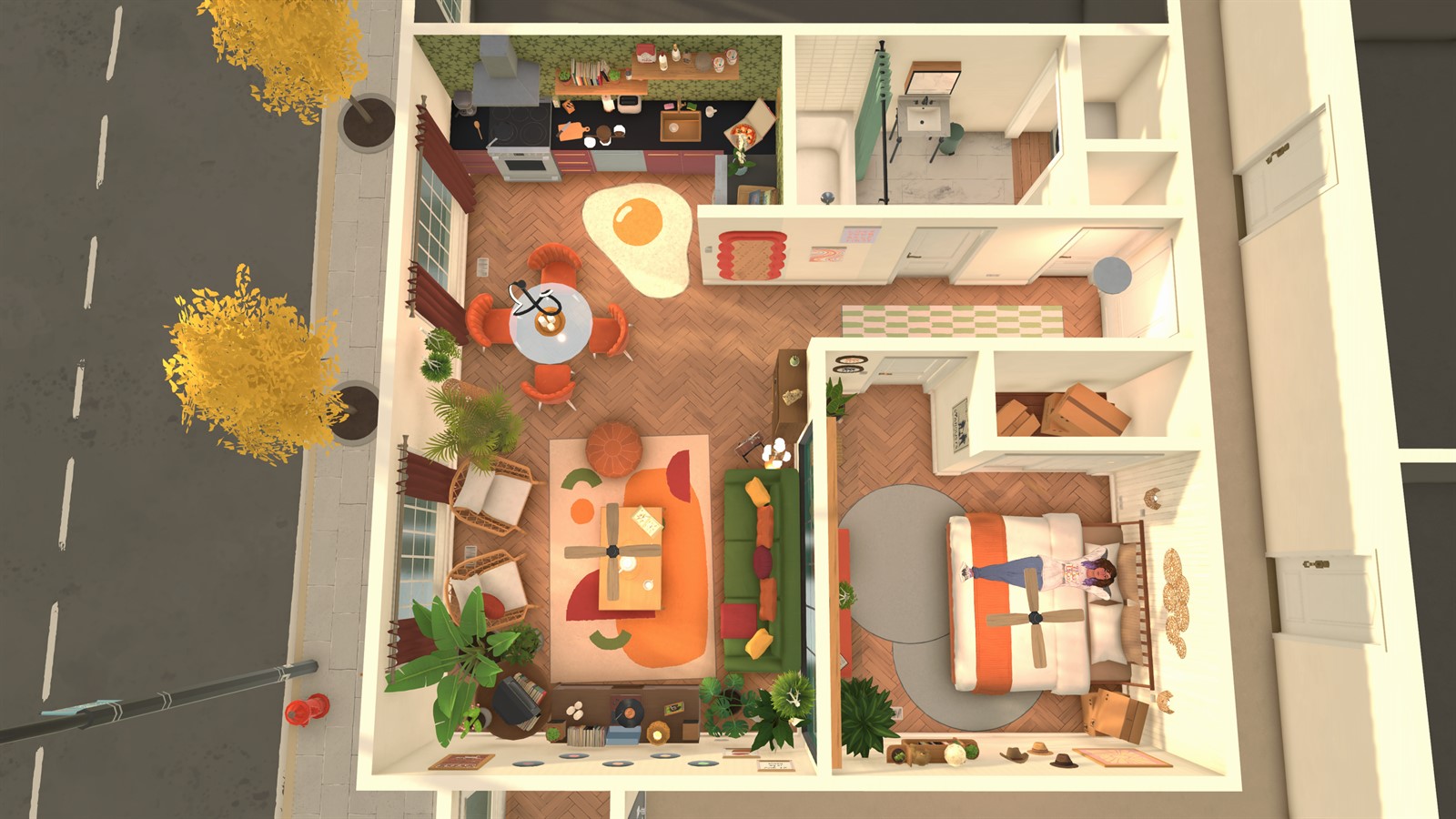
Paralives Build Mode combines grid-less construction with curved walls, split-level floors, resizable objects, recoloring, stacking and advanced placement. Its flexibility is most useful when changes follow a clear structural plan.
Build in passes: establish the lot and shell, test circulation, furnish essential rooms, then refine shape, color and detail. Save a lot to the library before an experiment that would be difficult to unwind.
Draw the shell without depending on a grid
Place walls according to usable room shapes and circulation instead of filling a fixed tile count. Curved walls can define distinctive edges, but doors, furnishings and movement still need practical clearance. Test a simple layout in Live Mode before multiplying complex curves.
Use split levels and stairs as one system
A split-level floor changes vertical relationships, so plan stairs, landings, headroom and the route between frequently used rooms together. If a Parafolk cannot reach a level, simplify the path and test one change at a time before assuming the entire building is broken.
See this system in the current game
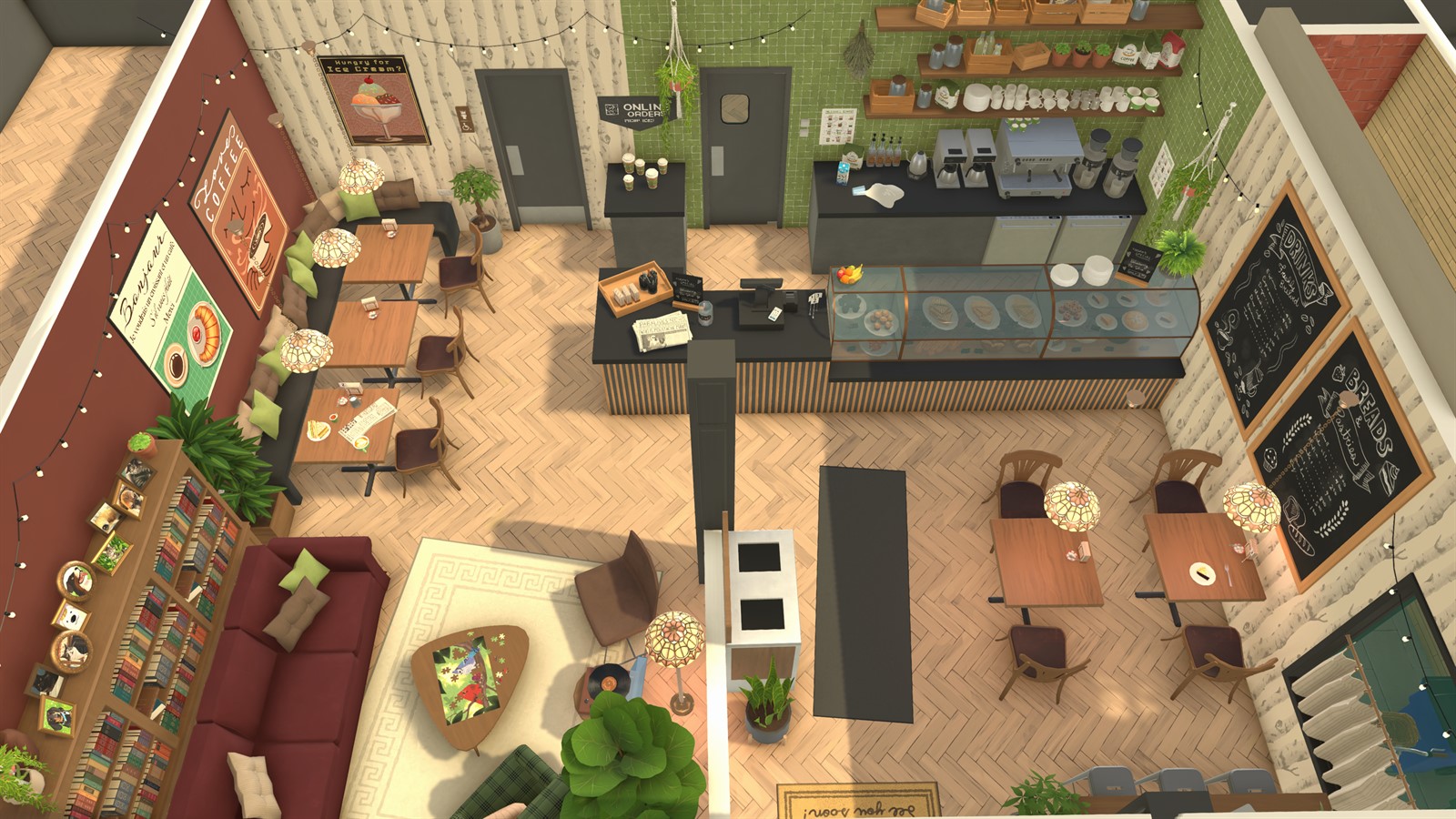
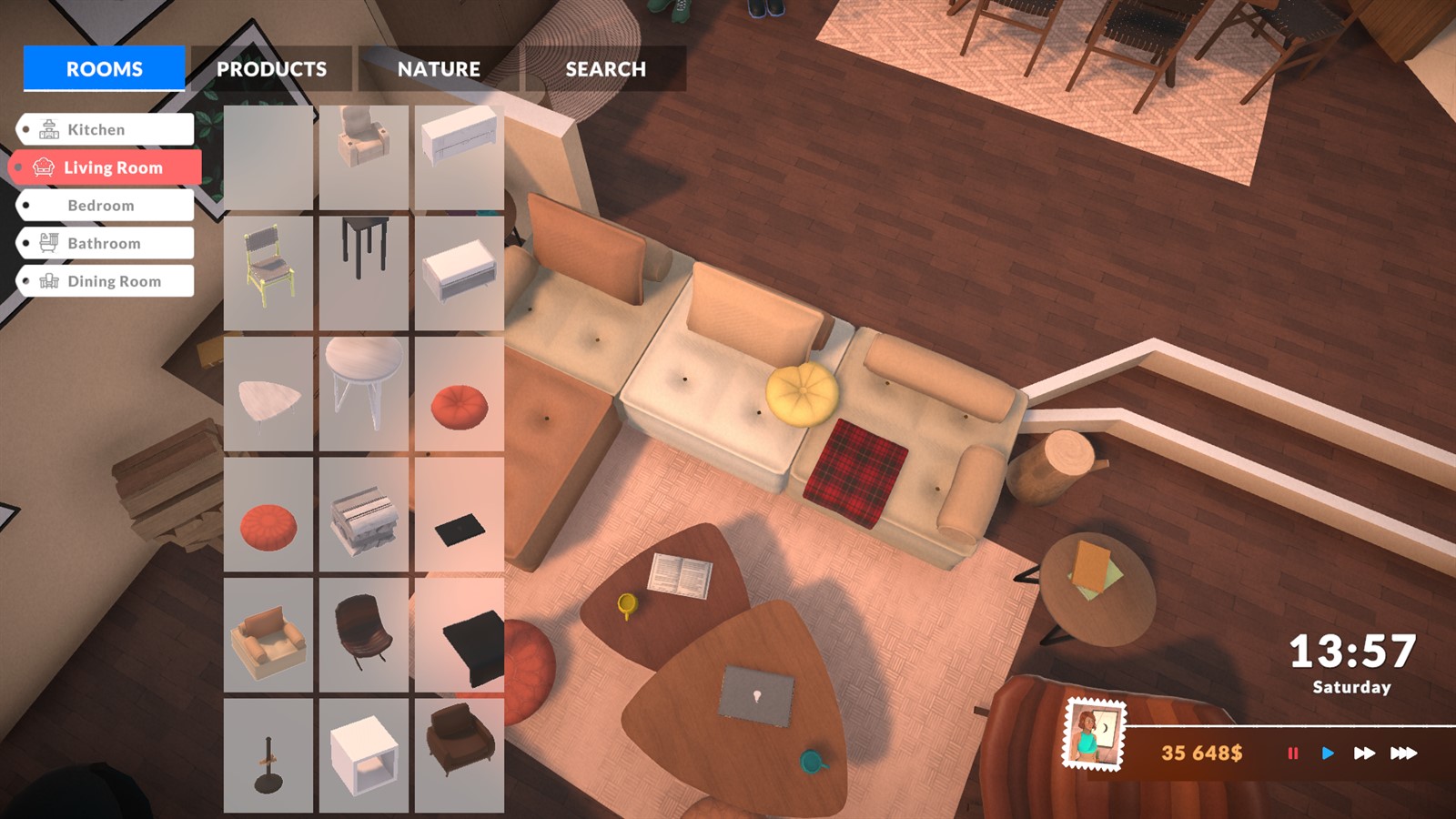
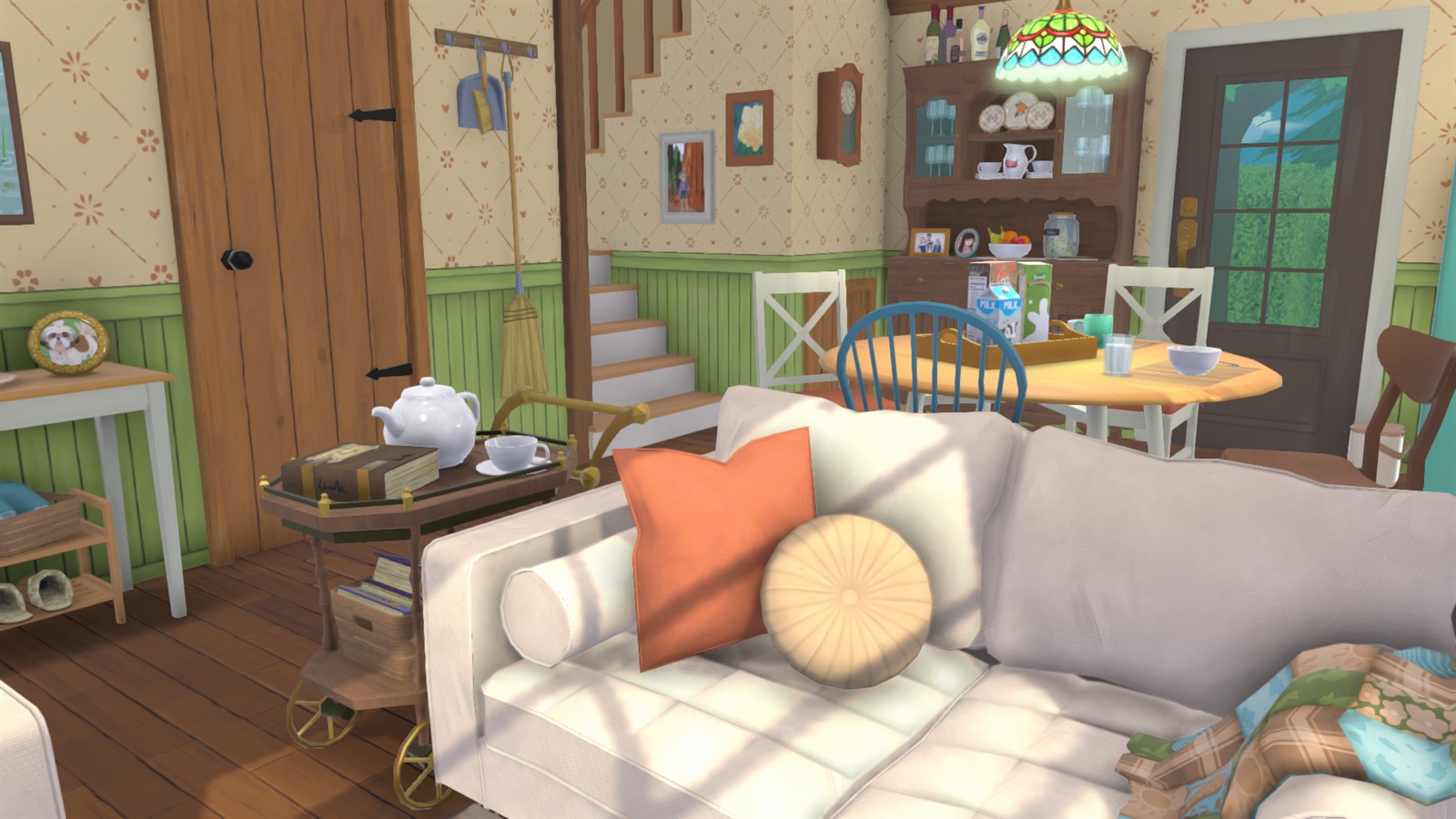
These official images are paired with the feature they demonstrate. Historical captures are explicitly labeled and are not used to claim an unchanged 2026 interface.
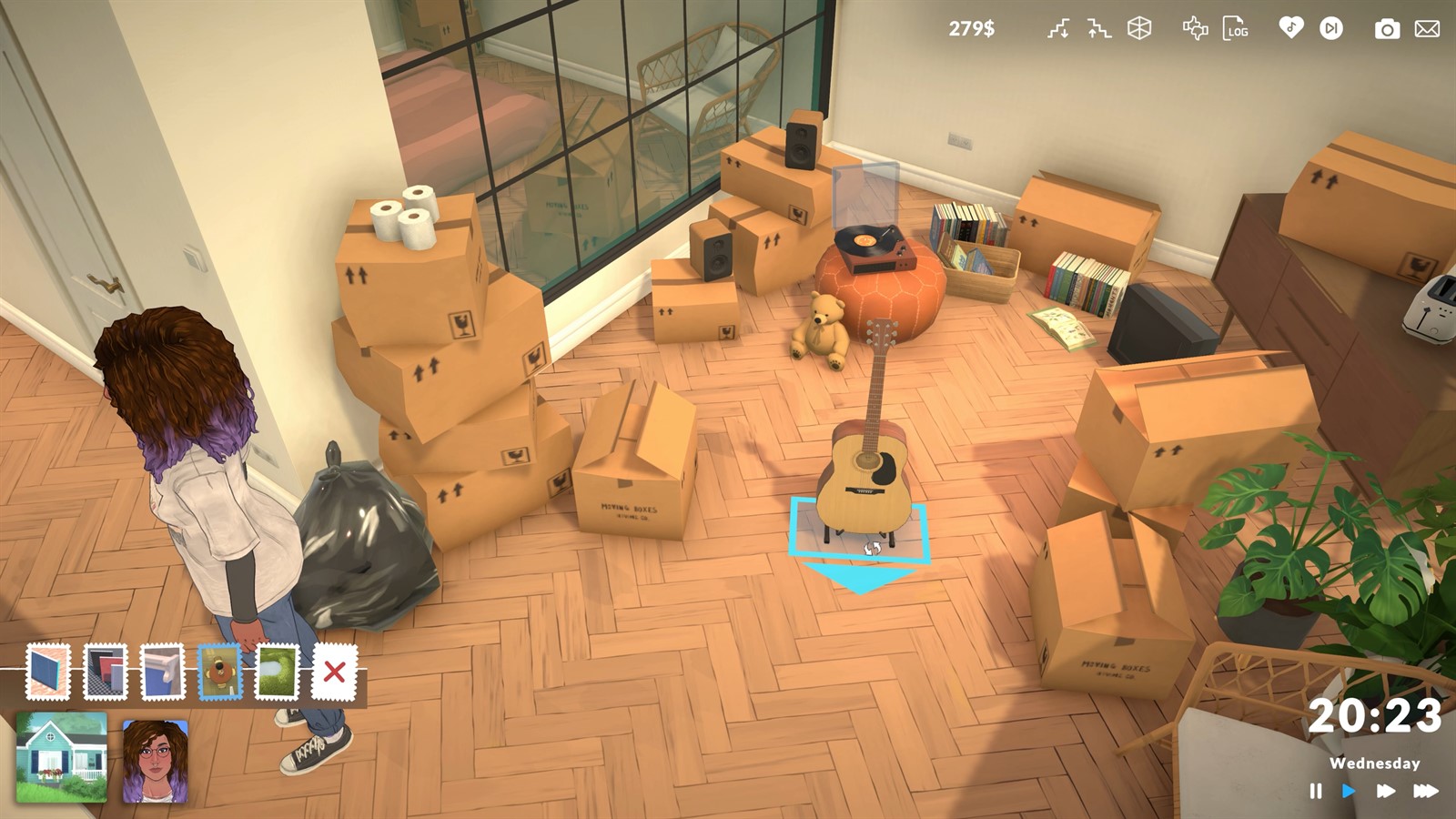
Resize, recolor and stack with purpose
Resizable furniture and recoloring make objects adaptable to a design, while stacking and free placement support dense compositions. Keep interactive surfaces accessible and test unusual arrangements. Appearance is not proof of function, particularly when an object has been scaled or placed with advanced controls.
Treat advanced placement as an experiment
The advanced widget enables precise movement and rotation, but older official notes warned that some transformed items might not retain positions after reload. Patch history should be checked before assuming that warning still applies. Save, reload and test a small sample before committing a large detailed build.
- Keep a pre-experiment save or library copy.
- Test doors, stairs and interactive objects in Live Mode.
- Store reusable lots through the in-game library.
Facts were last checked on July 13, 2026. Official pages remain the final reference when Early Access changes.