Record the current version, operating system, exact symptom and last successful action before changing anything. Back up the affected save and important library items before manual repair.
Begin with reversible checks: restart, verify current requirements, remove external additions from the reproduction, reduce load and test a clean save. Escalate only after the simpler branch is understood.
Safe decision path
- Record patch 0.1.5, platform, symptom and last successful action.
- Back up the affected save and important library items.
- Restart Steam and the computer, then reproduce once without external mods or plugins.
- For performance, compare complete requirements and lower resolution or graphics settings.
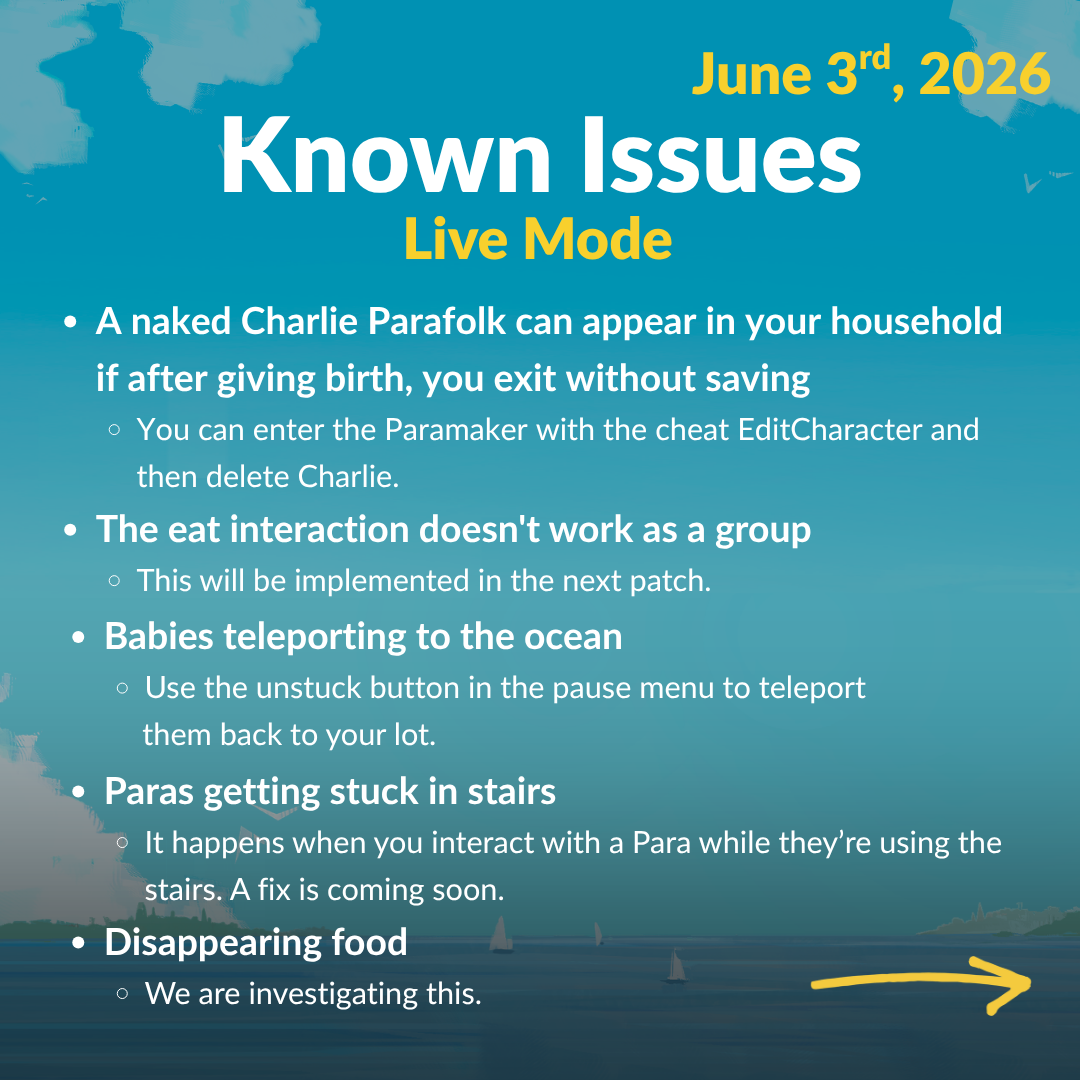
- For a stuck Parafolk, clear the queue, inspect routing and use ESC > Unstuck.
- For a failed save, test an autosave or duplicate and follow only the matching official repair case.
- Send a concise clean reproduction through the official feedback route if the problem remains.
Launch failure, crash or stutter
Restart Steam and the computer, confirm the game is on 0.1.5, check available memory and storage, and compare the computer with the official minimum requirements. Lower display resolution and graphic settings when frame rate is low, as the Steam requirements advise. Test without mods before reporting.
Save will not load
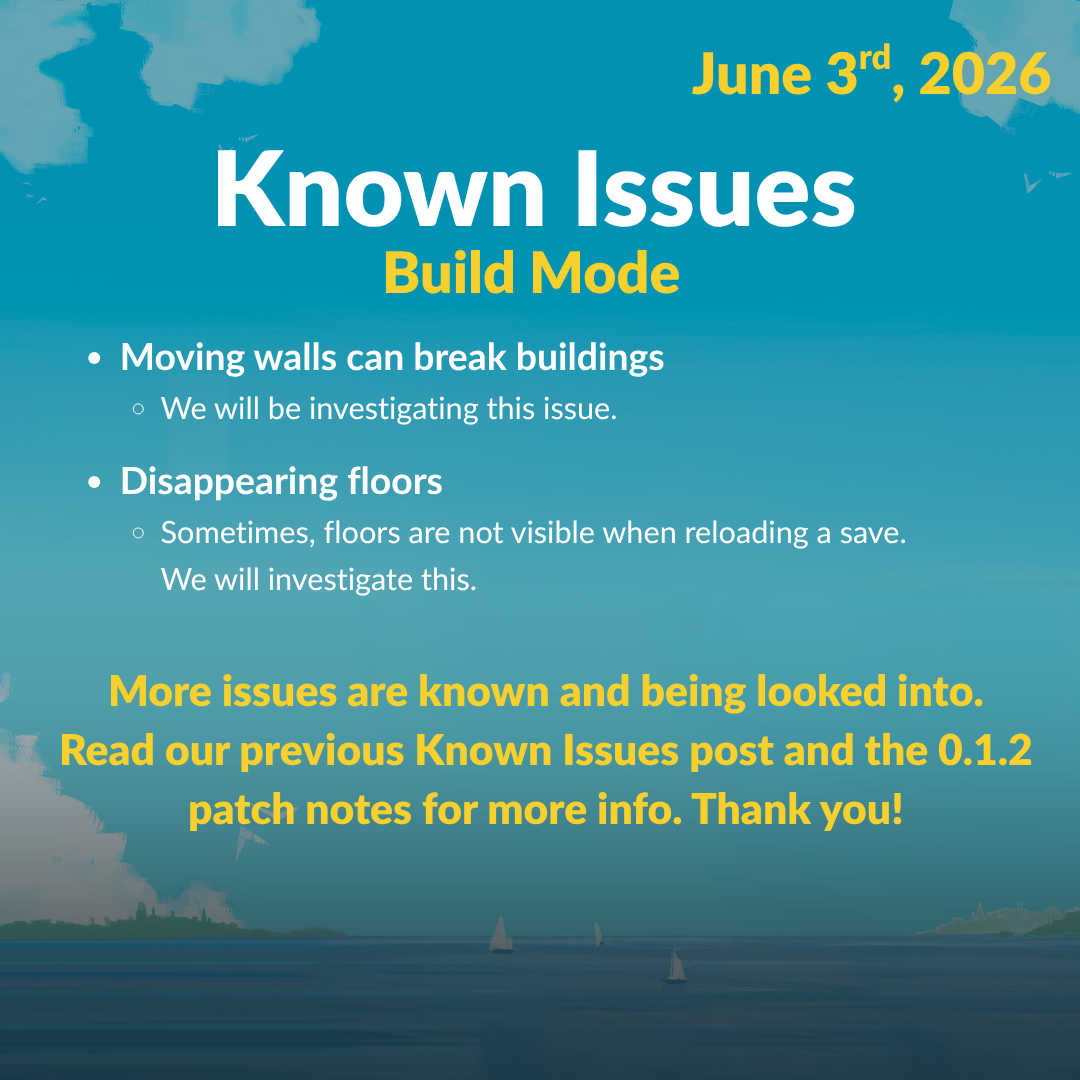
Do not delete or repeatedly overwrite the affected save. Try an earlier retained autosave, duplicate the save if the menu allows it, and preserve the original files. Use the official repair article only when Player.log matches one of its documented cases.
See this system in the current game
These official images are paired with the feature they demonstrate. Historical captures are explicitly labeled and are not used to claim an unchanged 2026 interface.
Mods, pathfinding and a stuck Parafolk
Disable all mods, restart and reproduce the action in a clean state. For routing, clear the queue, inspect doors, stairs and nearby objects, and test a simpler path. If the Parafolk remains unable to act, use the official Unstuck button in the ESC menu.
Mac input and reporting
Older official issue notes advised some Mac players with click or camera-rotation trouble to try a mouse instead of a trackpad; verify current patch status before treating this as unresolved. When a clean issue persists, use the official feedback route and include concise reproduction steps.
- Official patch 0.1.5 notes
- Official patch 0.1.2 notes
- Official June 3 known-issues post
- Official June 11 known-issues post
- Official save-repair guidance
- Official game feedback form
Facts were last checked on July 13, 2026. Official pages remain the final reference when Early Access changes.