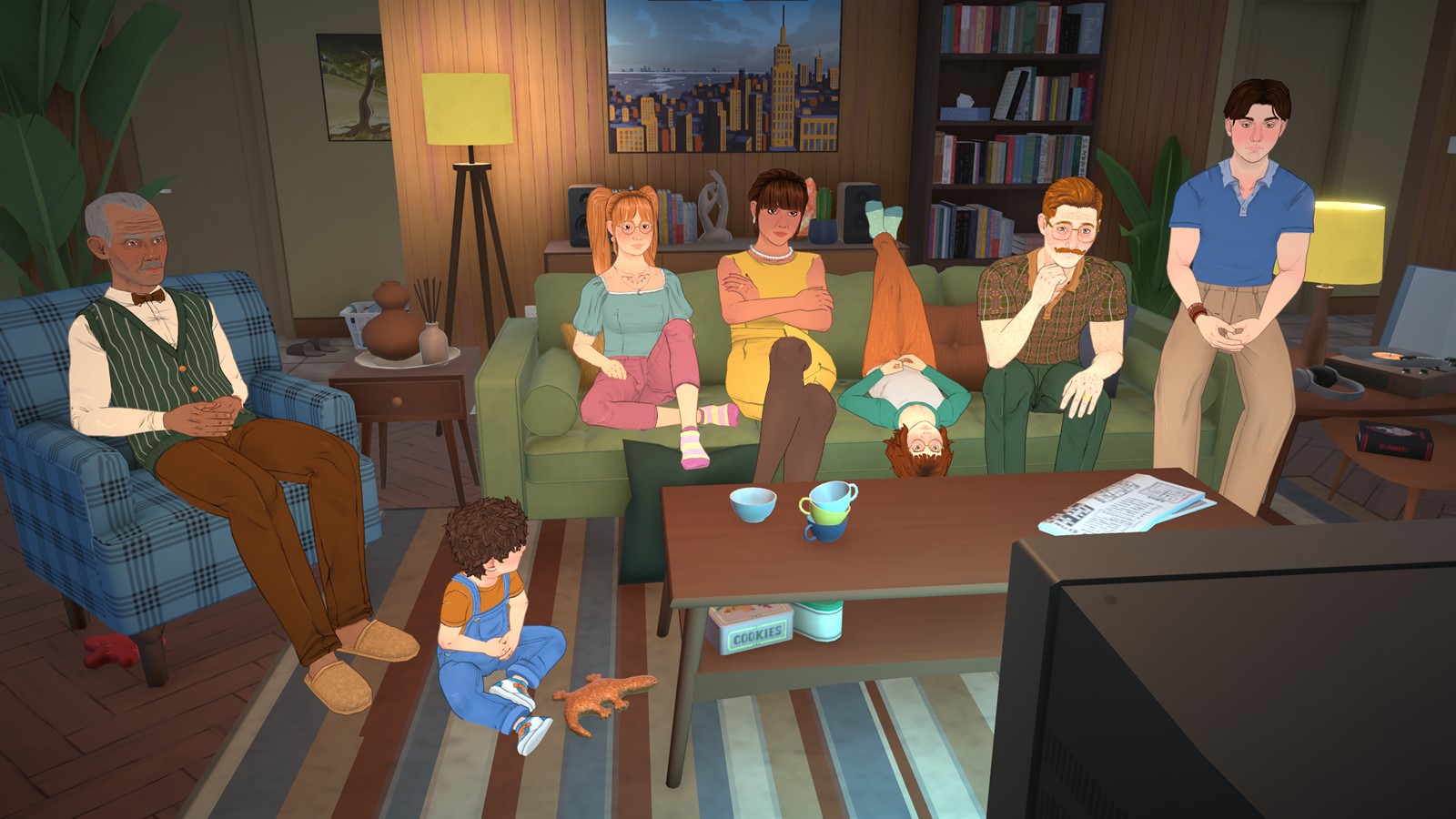
The planner stores data only in this browser and does not send it to a server. Create multiple household profiles, use fictional member names or labels, and record only game-related notes.
Default goals cover systems available in 0.1.5. Pets, seasons, gardening, fishing, cars and other planned features are intentionally excluded until official notes confirm they are playable.
Keep households separate
Create a named profile for each save, switch between them and duplicate a plan when two stories share a useful structure. Household labels are organizational only and do not connect to the game. Do not enter real addresses, identities, contact information or other personal data.
Track goals by current-game category
Use Household, Home, Careers, Skills, Relationships, Life Goals, Town, Builds, Mods and Custom Goals. Check or uncheck items, add notes, search, filter by category and show incomplete work. Overall and per-category progress should update from the current household only.
Edit, reset and delete deliberately
Add, edit or remove custom goals as plans change. Reset the current category when you want to replay that part of a plan. Deleting the current household and clearing all planner data require two confirmations because those actions remove local data.
Export before clearing or moving browsers
Export JSON to create a portable backup and import only a file that passes version and structure validation. An invalid file must leave current data untouched. Browser storage can be cleared by privacy tools, so export before changing device, browser profile or storage settings.
Facts were last checked on July 13, 2026. Official pages remain the final reference when Early Access changes.