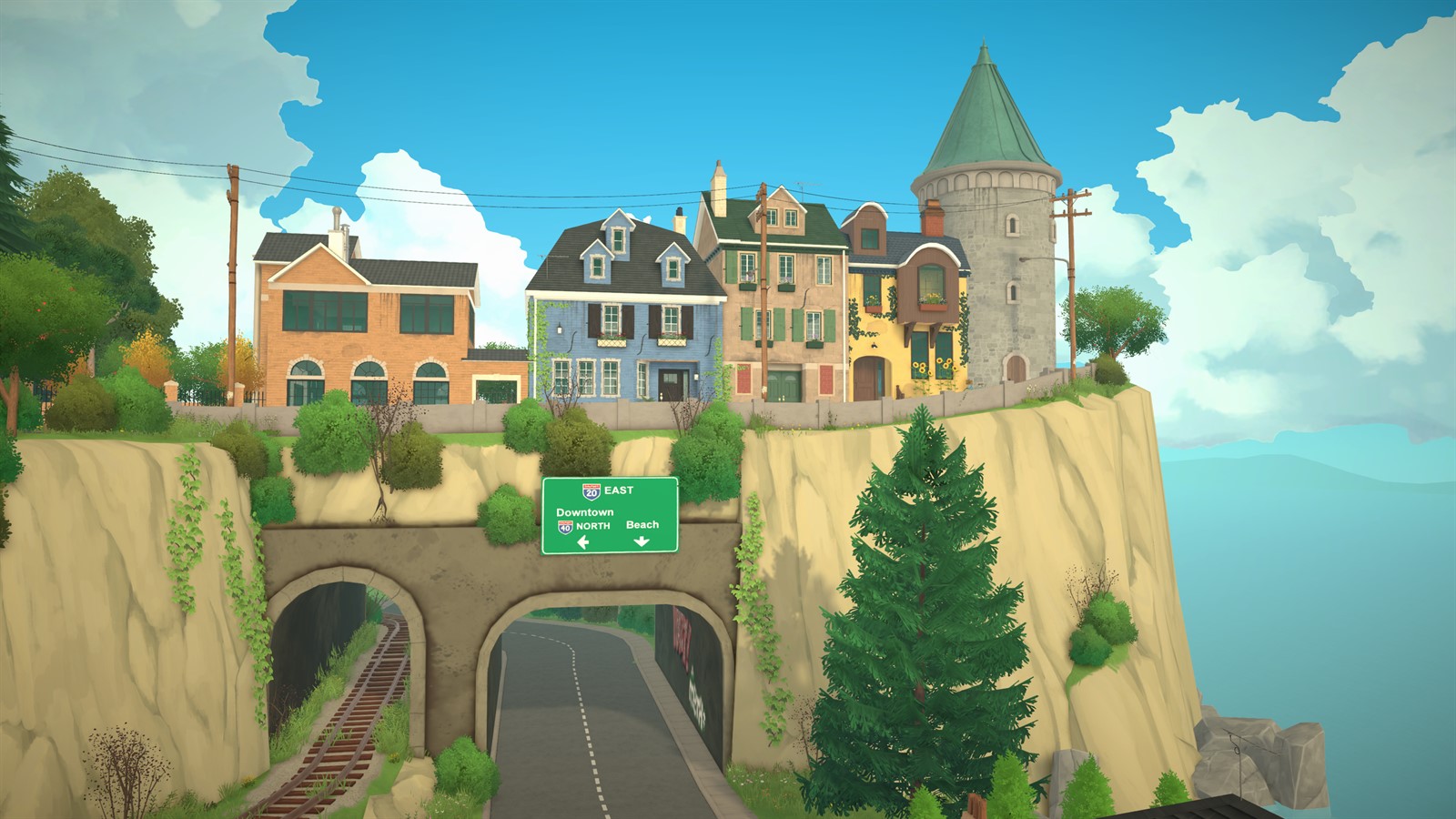
You do not need to learn every system before pressing Play. Pick the situation that matches your goal now, follow the linked route, and return here when your focus changes.
All facts use the July 13, 2026 verification baseline and patch 0.1.5. Guidance stays flexible because Early Access systems can change and different households create different priorities.
I just bought Paralives
Read the Beginner Guide, then create a small first household and choose a starter home. Spend the opening session learning camera movement, saving, basic needs and how the town communicates available actions rather than trying to optimize every system at once.
- Confirm the current version before troubleshooting.
- Make an early manual save with a clear name.
- Keep the first household manageable while learning selection and autonomy.
I am coming from another life simulation
Begin with Paramaker and Build Mode because Paralives uses its own controls and vocabulary. Grid-less construction, direct object resizing, split levels, labels, wants and group selection should be learned on their own terms; do not assume another game's shortcuts, formulas or social rules apply.
See this system in the current game
These official images are paired with the feature they demonstrate. Historical captures are explicitly labeled and are not used to claim an unchanged 2026 interface.
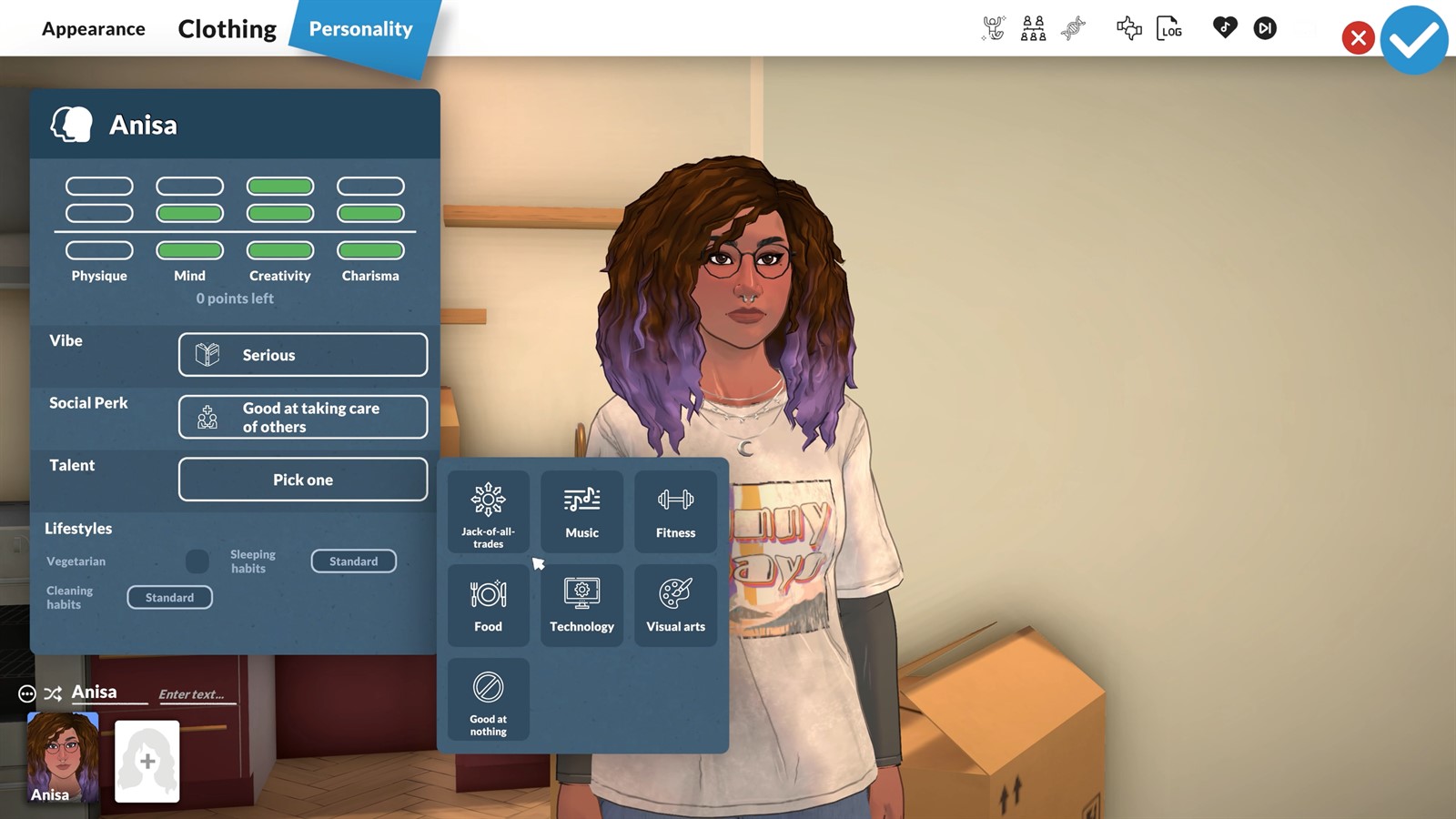
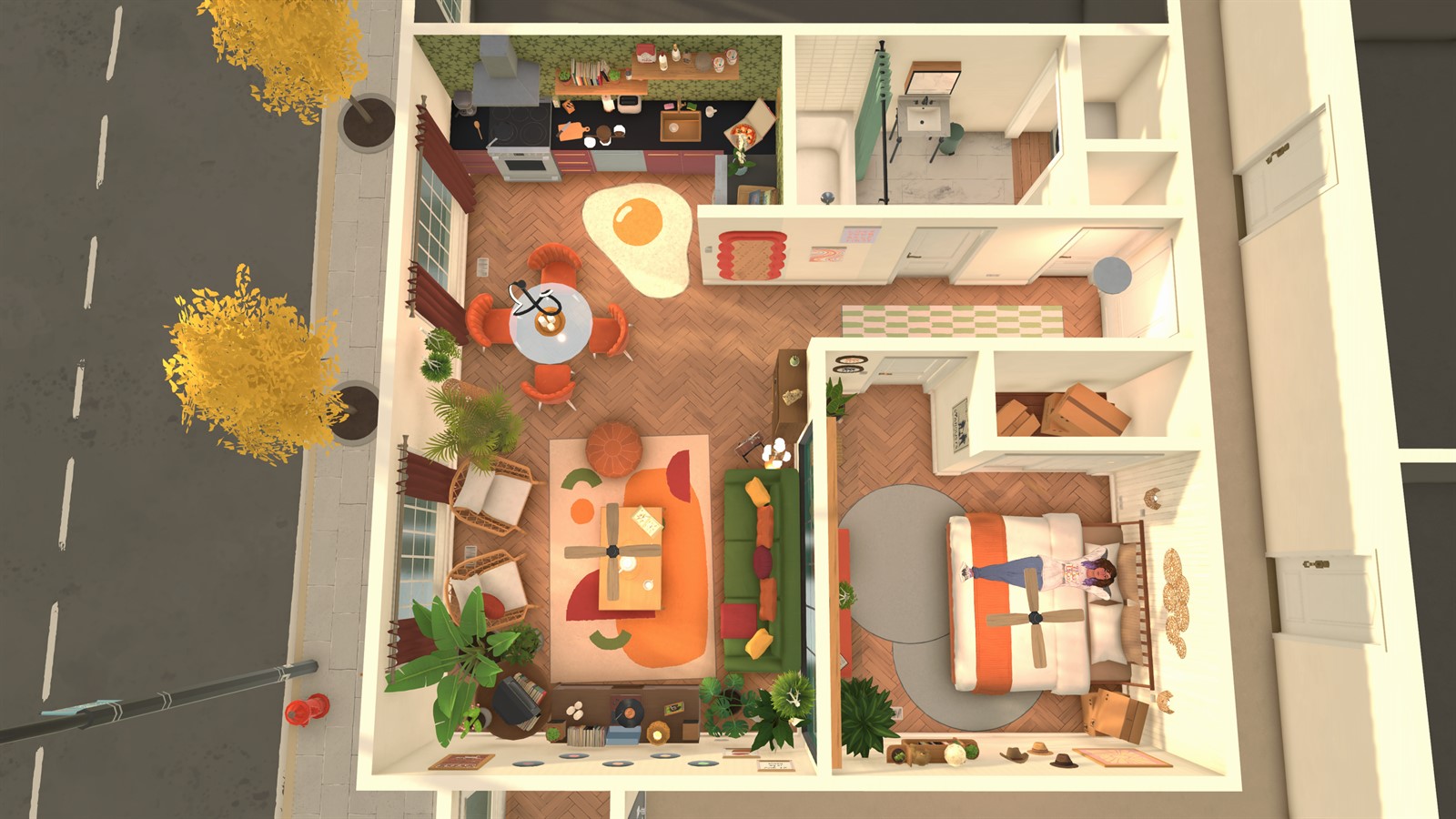
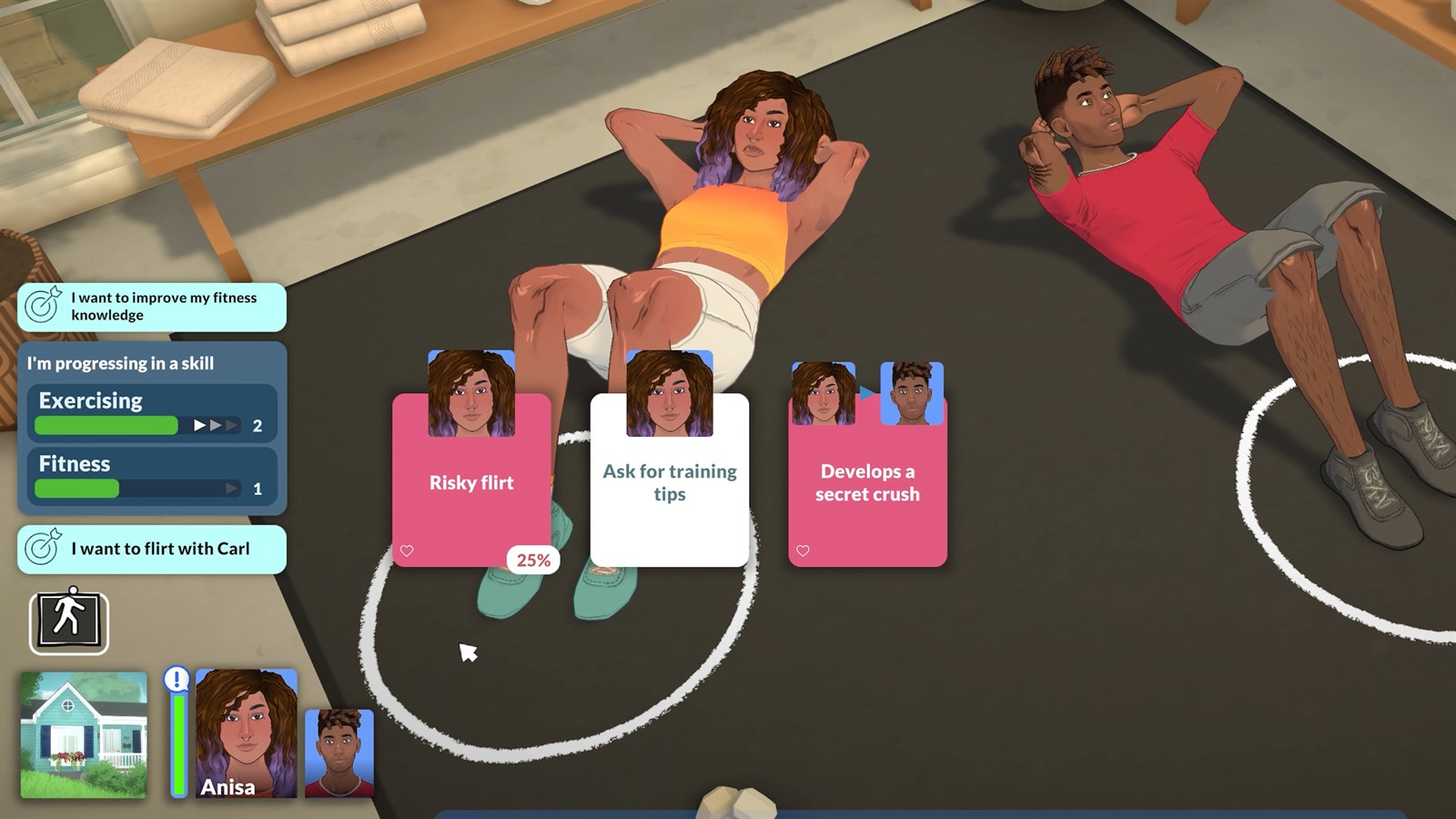
I want to build or manage a household
Builders can move from Build Mode to Building a First Home for routing and room-function checks. Household players can start with Live Mode, then use Needs and Emotions, Jobs, Skills or Relationships when a specific decision becomes important.
I want mods or need technical help
Use Mods and Workshop for the supported sharing route, then Workshop Safety before adding external plugins. For crashes, failed loading, stuck Parafolks or input trouble, begin with Troubleshooting and preserve the current save before any manual repair.
Facts were last checked on July 13, 2026. Official pages remain the final reference when Early Access changes.