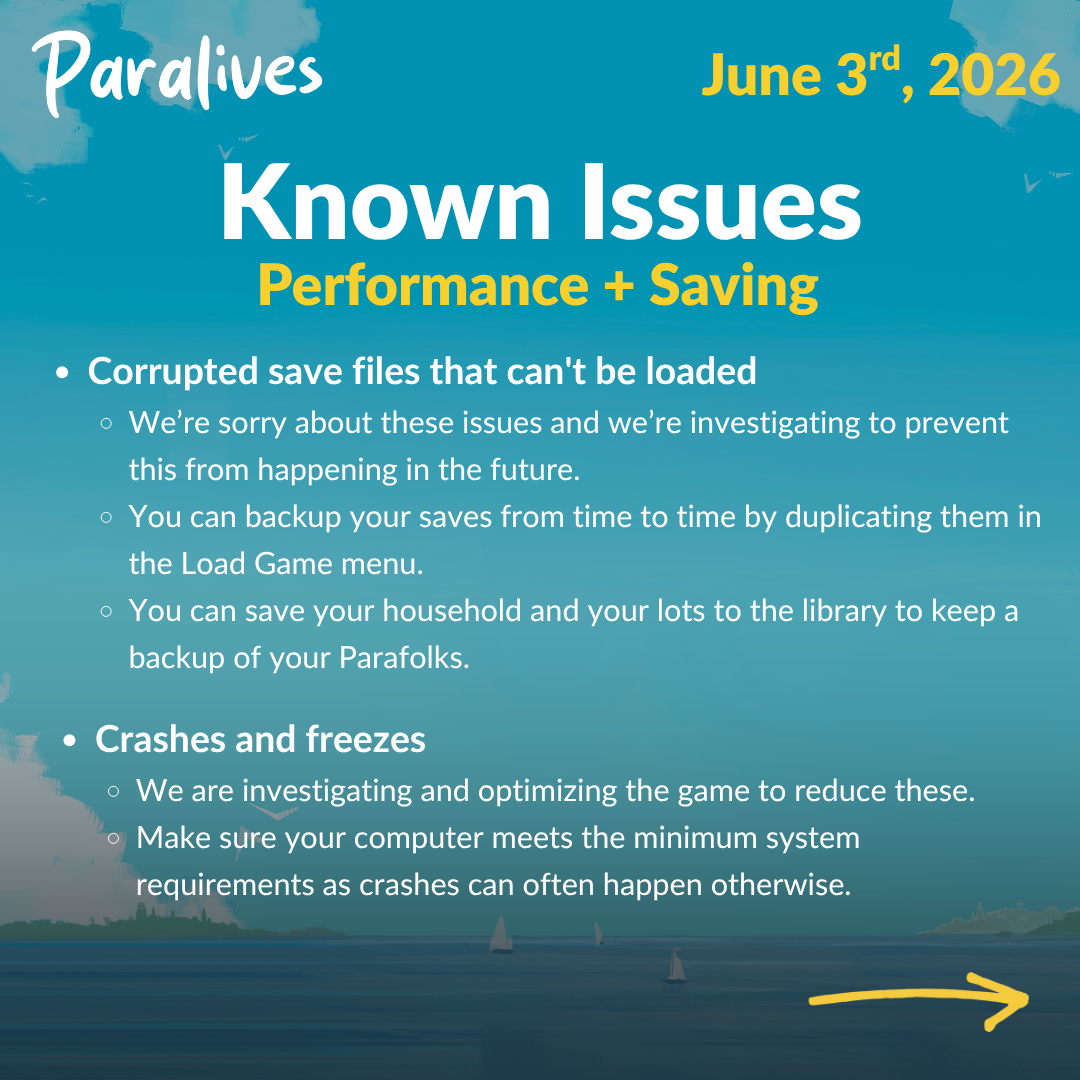
Patch 0.1.5 adds Steam Cloud and keeps the three latest autosave versions for each save. Official guidance also recommends duplicating saves in the Load Game menu and storing important households and lots in the library.
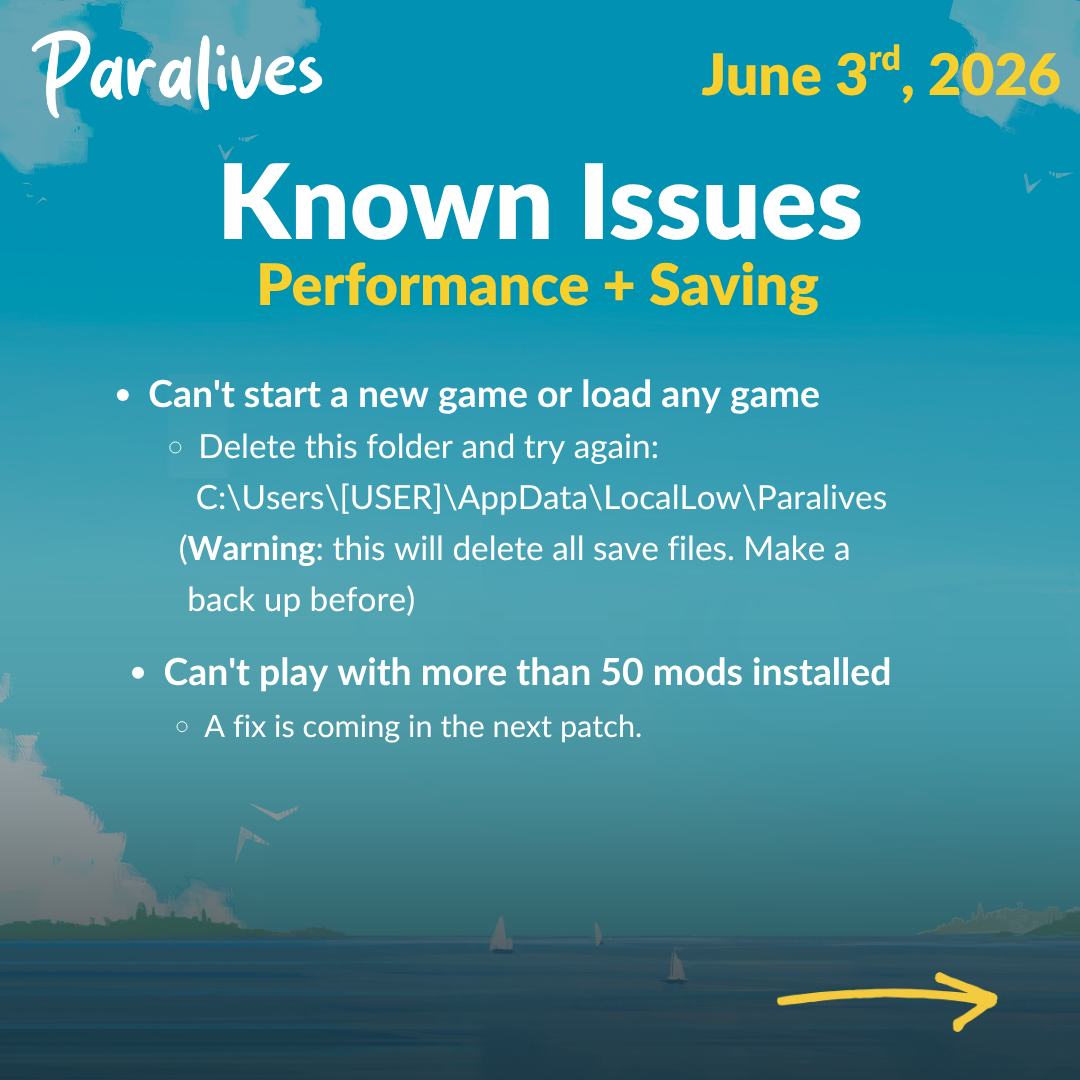
Never begin recovery by deleting the original. Create a copy of the entire affected data and keep it untouched while testing a rollback or official manual-repair instruction.
Recovery order
- Stop overwriting. Preserve the affected save and note its visible timestamp.
- Duplicate first. Make a separate copy in the Load Game menu when available and back up before manual file work.
- Try retained autosaves. Compare the three recent 0.1.5 recovery points and test the newest plausible clean state.
- Check Steam Cloud. Let synchronization finish and preserve both sides of a conflict when possible.
- Match official repair guidance. Use manual steps only when the official article and log evidence fit the specific failure.
Use autosaves as selectable recovery points
When a recent action or crash damages progress, inspect the three retained autosave versions and compare their visible timestamps or context. Load the newest plausible clean point first. Do not overwrite the only known-good state until normal saving and loading have been tested.
Duplicate important saves and library items
Before a major build, household transition or mod change, duplicate the save from the Load Game menu. Save key households and lots to the library as another form of recovery. A duplicate is especially useful before following any manual file procedure.
See this system in the current game
These official images are paired with the feature they demonstrate. Historical captures are explicitly labeled and are not used to claim an unchanged 2026 interface.
Let Steam Cloud finish
Steam Cloud synchronizes saves across supported Steam installations; it does not guarantee that the desired copy wins every conflict. Wait for synchronization before closing Steam or opening the game on another computer, and preserve both states when a conflict dialog offers a choice.
Use official corruption instructions only after backup
The developer's repair article describes how Player.log can identify certain JSON or meta-file failures and provides case-specific steps. Those steps are manual and not universal. Back up first, follow only the matching official case, and keep the untouched original if the save still fails.
- Official patch 0.1.5 notes
- Official save-repair guidance
- Official patch 0.1.4 notes
- Official patch 0.1.3 notes
Facts were last checked on July 13, 2026. Official pages remain the final reference when Early Access changes.