Published on July 2, 2026, version 0.1.5 is a substantial recovery and quality-of-life update. Its biggest practical changes affect save size, rollback choices, cross-computer synchronization, editing and mod control.
Read the official article for every line item. Use this guide to decide what to check after updating and which old troubleshooting advice should no longer be applied automatically.
After updating to 0.1.5
- Confirm the version before diagnosing an older symptom
- Create a named backup before major lot, household or mod changes
- Check the retained autosaves and Steam Cloud state
- Test lot restoration or appearance editing only on a recoverable save
- Disable all mods, restart, and restore compatible items in small groups
Review your save workflow
New save files are reported to average about 30 MB, and the Load Game menu can expose the three most recent autosaves for each save. Confirm the desired save and timestamp before loading an older version. Keep a separate named checkpoint before manual file work.
Confirm Steam Cloud intentionally
Cloud synchronization can help continue on another computer, but both machines should finish syncing before launch or shutdown. If Steam reports a conflict, compare timestamps and preserve both local states when possible rather than guessing which copy is correct.
See this system in the current game
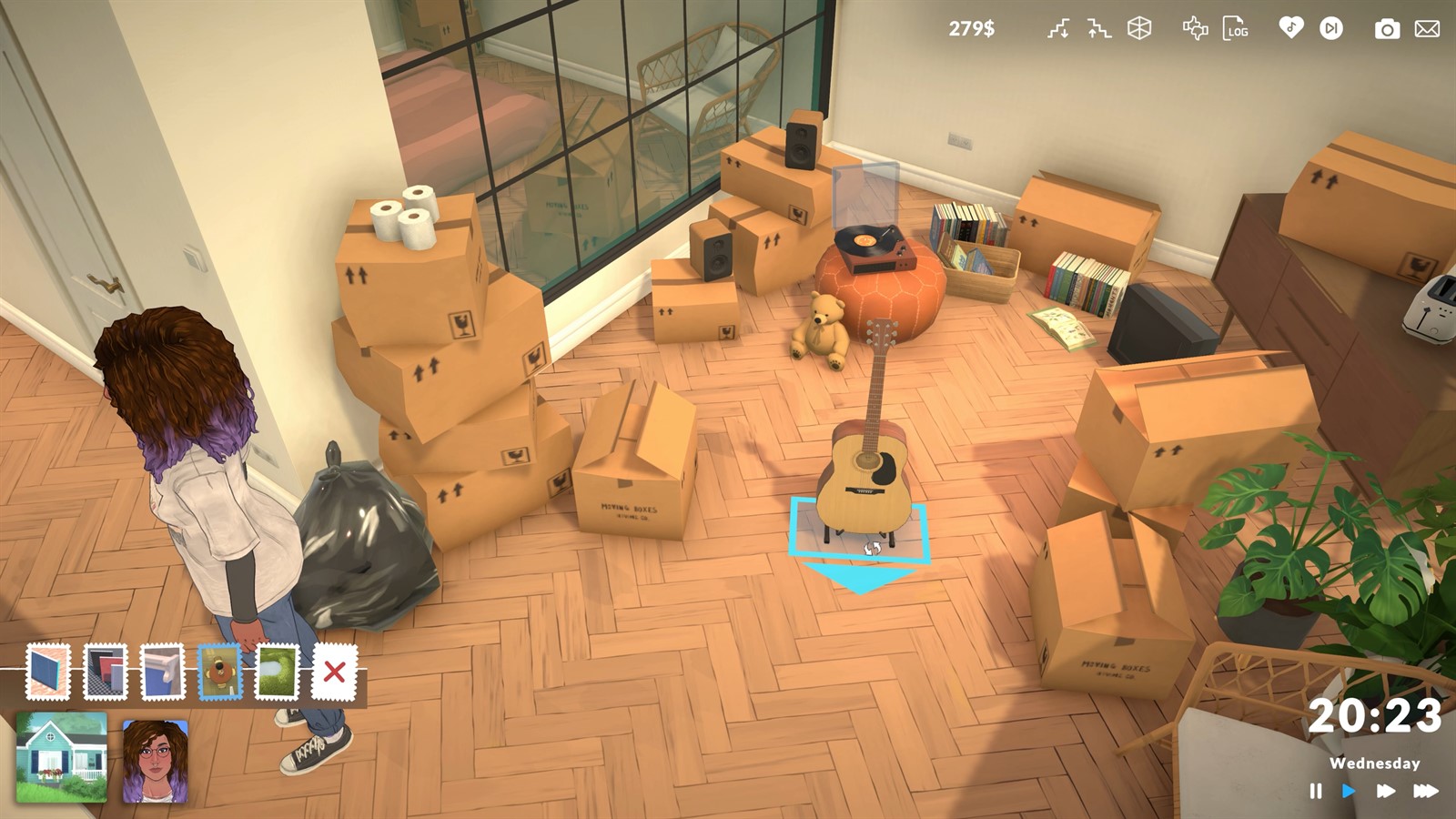
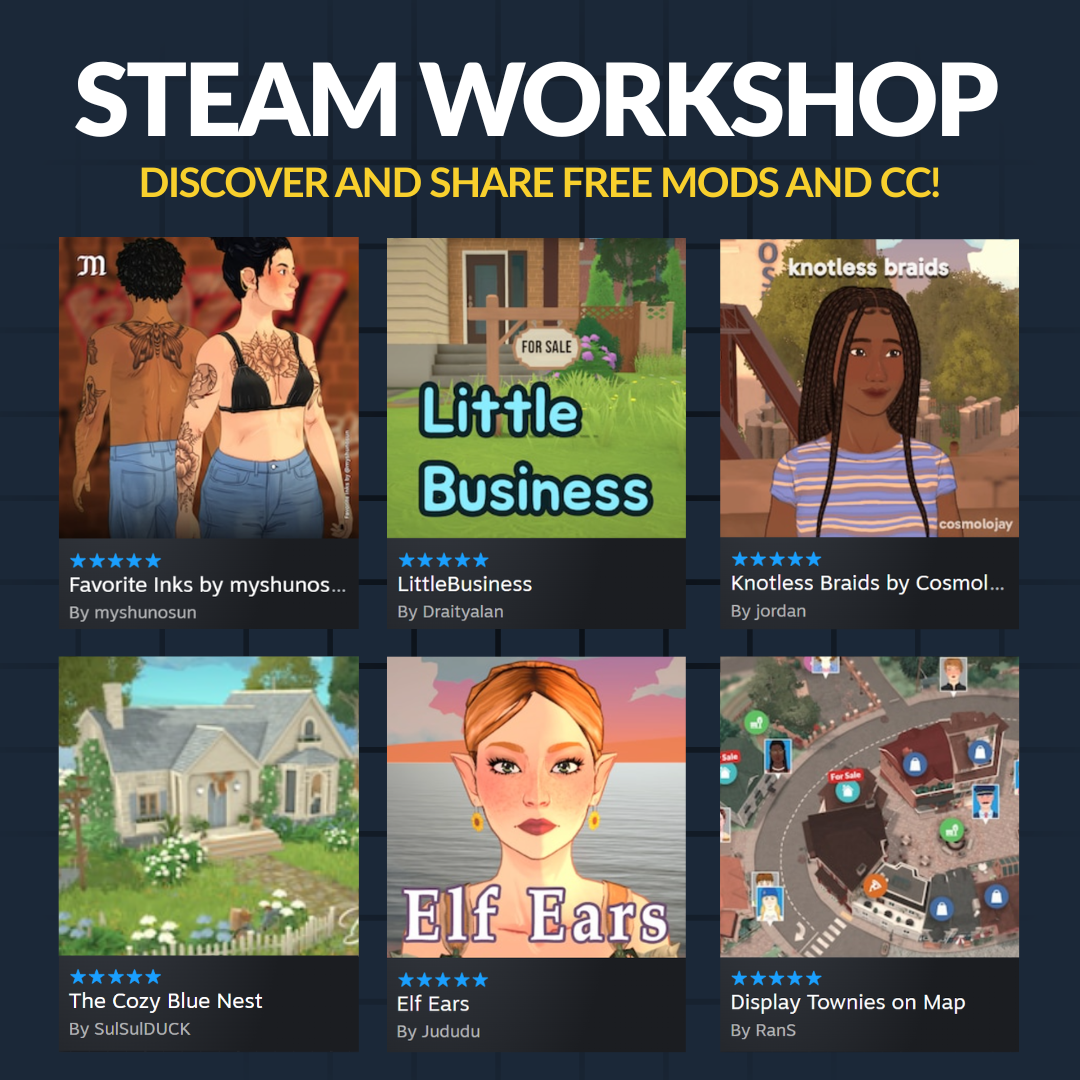
These official images are paired with the feature they demonstrate. Historical captures are explicitly labeled and are not used to claim an unchanged 2026 interface.
Try the new restoration and editing tools
Use the lot restoration option when you want to return a lot to its original look. Mirrors, the hospital and pharmacy now open broader appearance editing, excluding labels, personalities and life stages. Test custom-image objects and saved household nicknames after updating if they matter to the save.
Reset the mod baseline
The Mods menu now supports enabling or disabling all mods. After the patch, start with external additions disabled, verify the save and core modes, then restore compatible content in small groups. External plugins can be responsible for an invisible mod list, according to the official notes.
Facts were last checked on July 13, 2026. Official pages remain the final reference when Early Access changes.